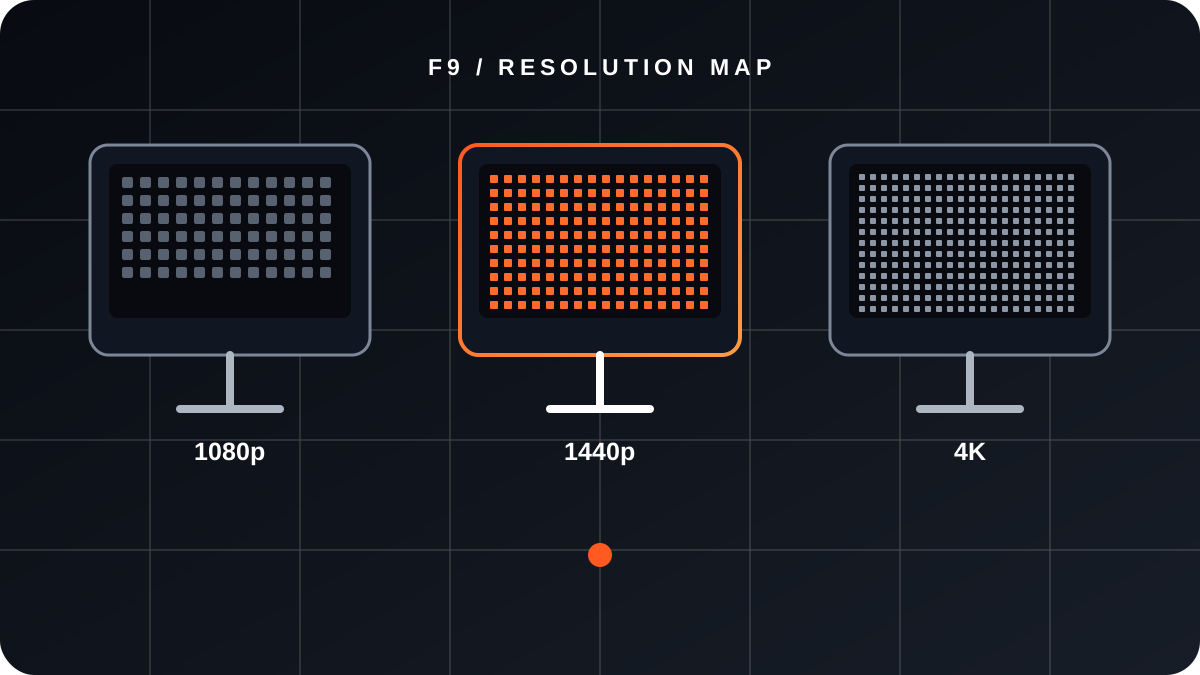
WHAT 1440P CHANGES
1440p usually refers to 2560 × 1440 pixels. It contains about 1.78 times as many pixels as 1080p, so it can look sharper while demanding more rendering work. Pixel count does not predict FPS by itself.
START WITH THE MONITOR
Confirm that the monitor really supports 2560 × 1440 and the connection required for the refresh rate you want to use. Also check adaptive sync, panel type, response behavior and the ports available on your PC or console.
EXPLORE MONITORS →CHECK THE WHOLE SYSTEM
Power supply, case space, connectors, airflow and processor can limit an upgrade. A graphics card with more memory is not automatically the best choice; the complete system and the games you use matter.
WHAT MATTERS
- Target resolution and refresh rate
- Power and connectors
- CPU and game type
- Case clearance and airflow
WHAT IS NOT ENOUGH
- “It has many GB, so it must be faster.”
- A single FPS figure without test context
- Buying before checking the display ports
PERFORMANCE NEEDS CONTEXT
A performance number is useful only when it identifies the game, version, resolution, quality preset, upscaling or frame-generation settings and the rest of the test system. FASE NUEVE should never publish isolated or invented FPS.
EXPLORE GRAPHICS CARDS →COMPARE THE RESOLUTIONS
1080P → 1440P → 4K
Compare pixel count and typical use. This is not an FPS calculator.
CHECKLIST BEFORE BUYING
- Confirm 2560 × 1440 support and the required port.
- Define the games, quality settings and target refresh rate.
- Check the GPU, CPU, power supply and connectors together.
- Check case clearance, cooling and future upgrades.
CONCLUSION
A strong 1440p plan starts by defining the monitor, refresh target, games and expectations. Then you validate the complete system. A single memory, resolution or FPS figure cannot decide the purchase by itself.